
1 Pages (1 items)
Beta: SMath Studio 0.99.6964 (25 January 2019) - Messages

SMath Studio
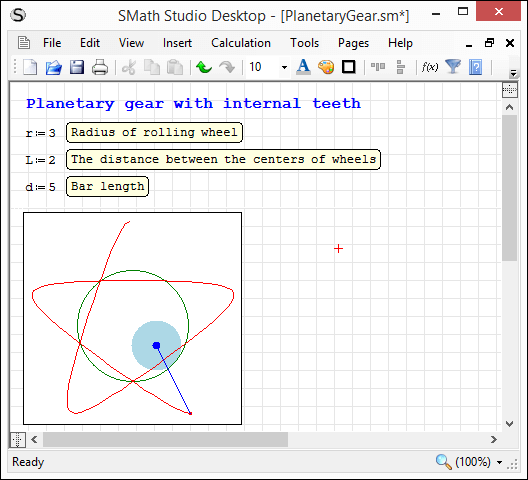
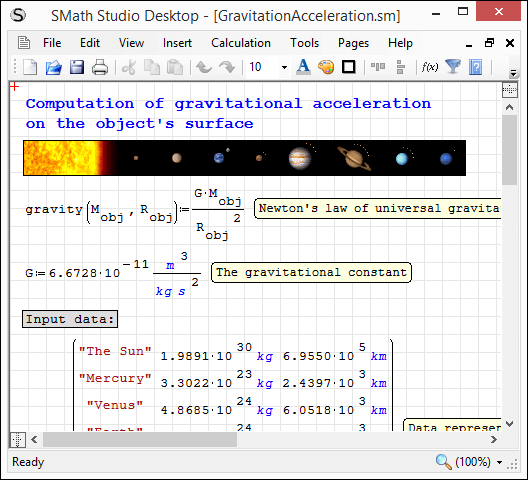
Tiny, but powerful mathematical program with WYSIWYG editor and complete units of measurements support.
Download
SMathStudioDesktop.0_99_6964.Mono.tar.gz (1.35 MiB) downloaded 1945 time(s).
SMathStudioDesktop.0_99_6964.Setup.msi (2.23 MiB) downloaded 3993 time(s).
Please note:
- There are some known bugs with Worksheet scrolling - will be addressed soon;
- There are some UI issues on environment with high DPI (some Custom plug-ins may not be scaled correctly).
Please use the following to disable high dpi support if required: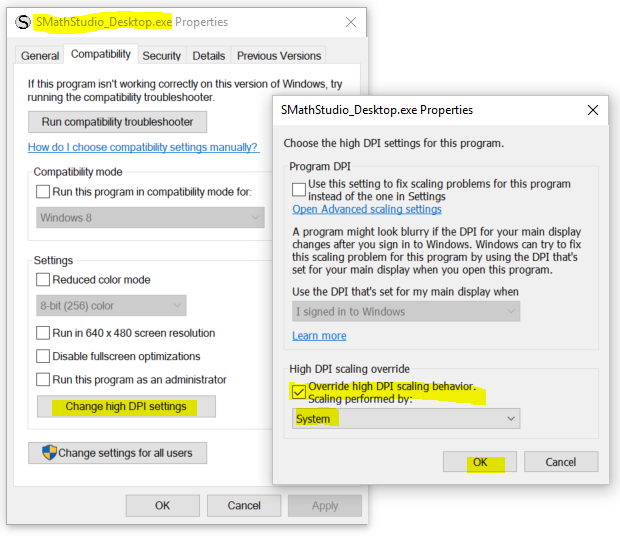
To all developers:
As you may notice starting from build 0.99.6955 SMath Studio supports high DPI and in order to scale Regions correctly we have to introduce new requirement:
- Plug-in must use SMath.Drawing.Graphics instead of System.Drawing.Graphics everywhere.
or
- All Fonts created by the plug-in must have GraphicsUnit.Pixel specified as a unit and size must be multiplied by 96f / 72f in order to convert Points to Pixels.
All existing plug-ins should be updated according to this requirement as everything looks ok while system is configured to have use 96 DPI, but in all other cases scaling of Fonts in plug-ins is incorrect.
All modern platforms like iOS, Android, UWP have Pixel specified as a unit by default, so this issue appears on Windows machines only (we have it on Linux as well because of Mono).
Please let me know in case of any related questions. If you are not able to perform changes by yourself - just let me know and I will update plug-ins by myself.
Best regards, Andrey Ivashov.
4 users liked this post
sergio 2019/1/24 19:22:00, Вячеслав Мезенцев 2019/1/24 19:37:00, Radovan Omorjan 2019/1/25 03:59:00, Davide Carpi 2019/1/25 05:34:00
1 Pages (1 items)
- New Posts
- No New Posts