
1 Pages (18 items)
SMath Studio for Ubuntu - deb packages for Ubuntu - Messages

A useful link for ubuntu users
https://sourceforge.net/projects/pcpu/files/SmathStudio/
Philippe DALET
FRANCE
https://sourceforge.net/projects/pcpu/files/SmathStudio/
Philippe DALET
FRANCE
3 users liked this post

Thank you Phillipe  ,
,
The link to these packages could be put on the SMath download page as well, AFAIC
Regards,
Radovan
,The link to these packages could be put on the SMath download page as well, AFAIC
Regards,
Radovan
When Sisyphus climbed to the top of a hill, they said: "Wrong boulder!"

Thank you for the deb version.
I have some problem : Plugin don't install they fail each time.
I tested if it wasn't a problem of rights but apparently not as they do it as sudoer too...
Anybody tested it and got same problem or not
Regards
I have some problem : Plugin don't install they fail each time.
I tested if it wasn't a problem of rights but apparently not as they do it as sudoer too...
Anybody tested it and got same problem or not
Regards

Hello uni ,
Thank you for this *.deb file. As we can see from the first post, there were some other efforts here to make a *.deb file for SMath as well.
Unfortunately, your *.deb version does not work for me on my Mint 17 64bit.
It installed without complaints, but I just can not start it. There is no any messages, just silence .
.
Regards,
Radovan
,Thank you for this *.deb file. As we can see from the first post, there were some other efforts here to make a *.deb file for SMath as well.
Unfortunately, your *.deb version does not work for me on my Mint 17 64bit.
It installed without complaints, but I just can not start it. There is no any messages, just silence
.Regards,
Radovan
When Sisyphus climbed to the top of a hill, they said: "Wrong boulder!"
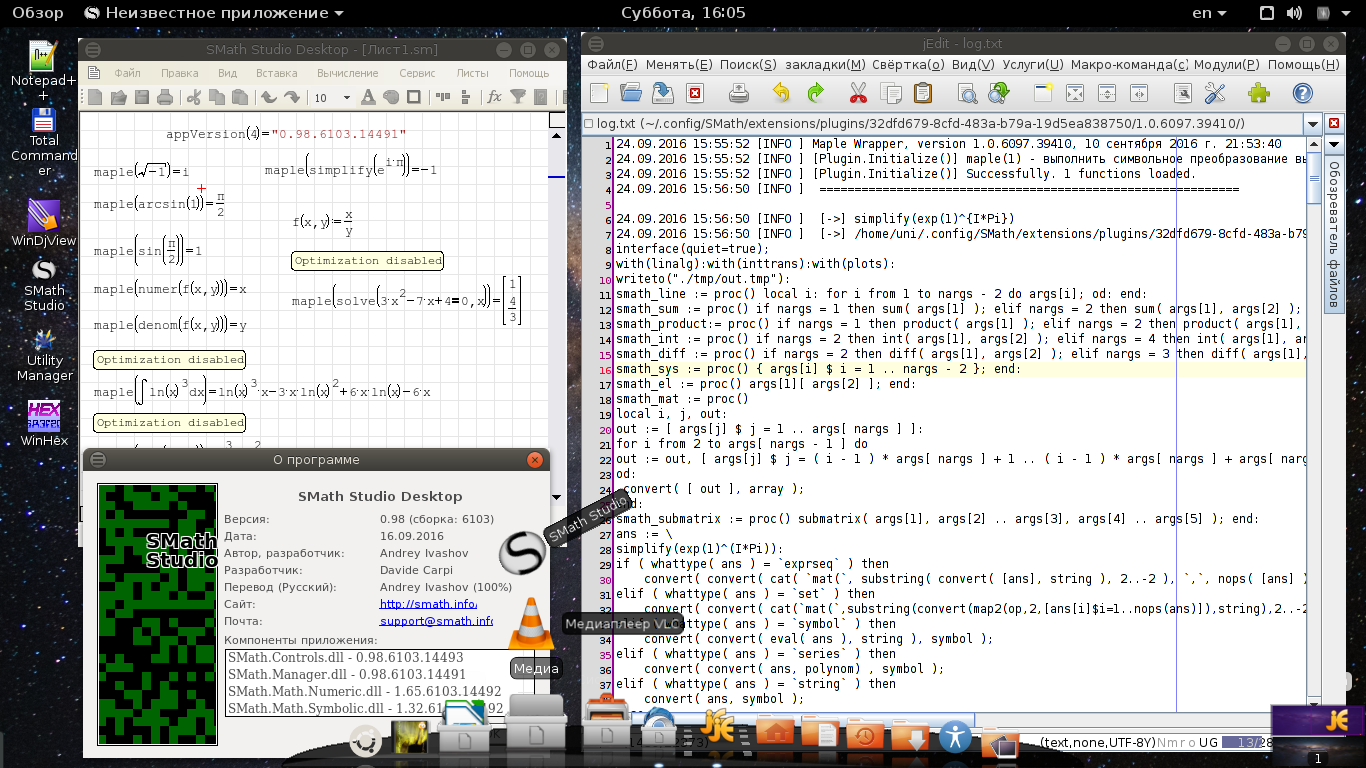
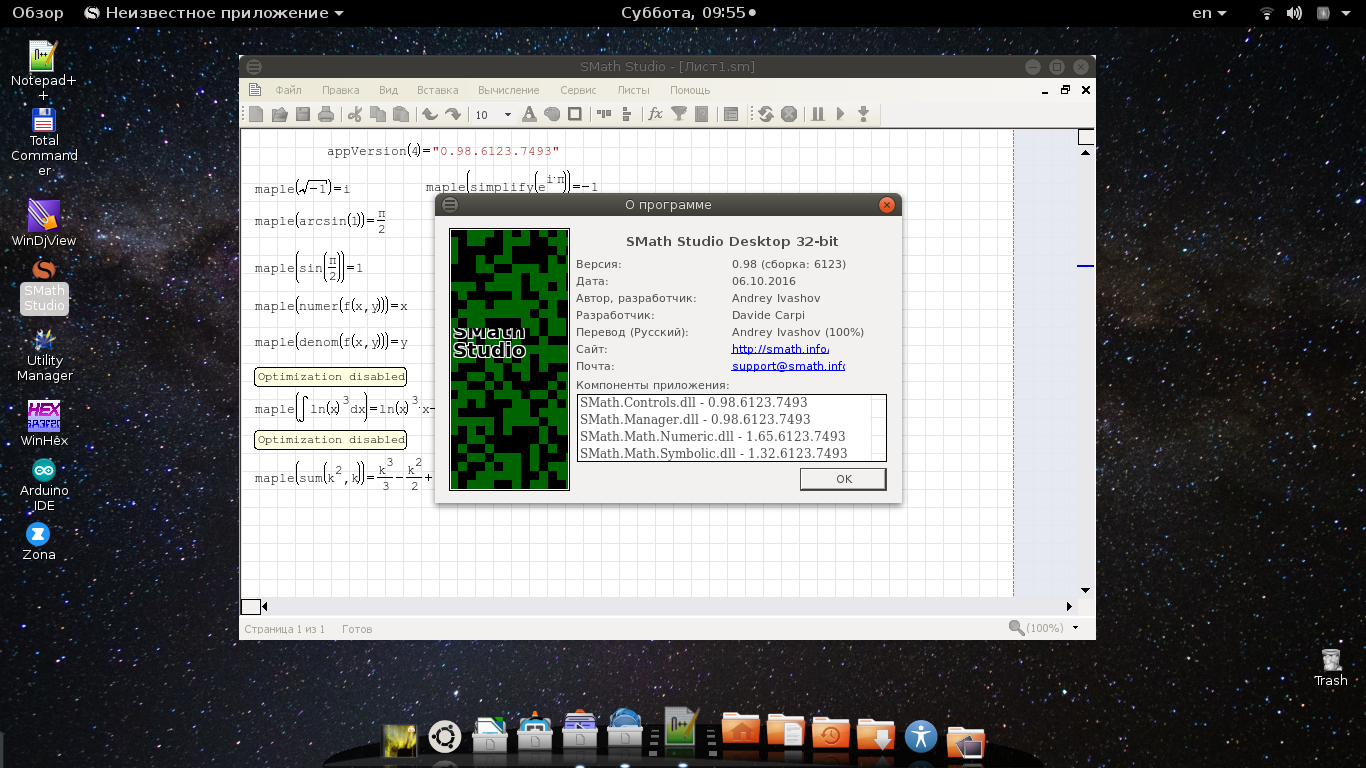
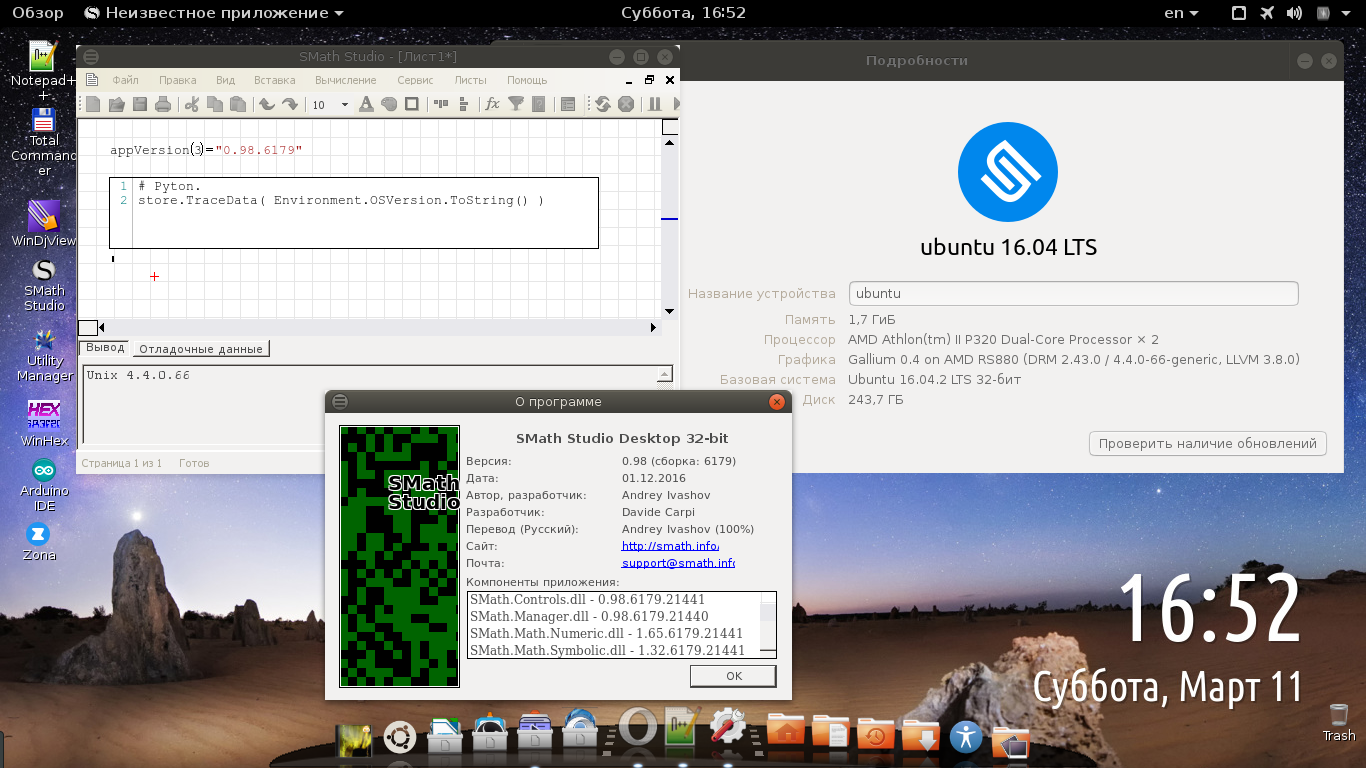
Tested on Ubuntu 16.04 x32.
Try to input this command in the terminal:
Output must be similar to this:
Try to input this command in the terminal:
$ mono /usr/share/SMathStudio/SMathStudio_Desktop.exeOutput must be similar to this:
uni@ubuntu:~$ mono /usr/share/SMathStudio/SMathStudio_Desktop.exe
WARNING: The runtime version supported by this application is unavailable.
Using default runtime: v4.0.30319
- [AppDir] Special Functions (1.11.6103.14494) [16 ms]
- [UserDir] Custom Functions (1.1.6100.11764) [25 ms]
- [UserDir] Maple Wrapper (1.0.6097.39410) [321 ms]
- [UserDir] X-Y Plot Region (Chart2DLib) (0.1.6018.34895) [32 ms]
- [UserDir] include (0.1.6097.39404) [16 ms]
- [UserDir] Memo Region (0.1.6092.16652) [11 ms]
- [AppDir] HTML Export (1.13.6103.14495) [1 ms]
- [AppDir] Export to image (1.9.6103.14499) [1 ms]
- [AppDir] Picture Region (1.10.6103.14497) [10 ms]
- [AppDir] Plot Region (1.9.6103.14499) [8 ms]
- [AppDir] SMath Studio Files Plugin (1.9.6103.14499) [1 ms]
- [AppDir] Text Region (1.10.6103.14497) [3 ms]
- [AppDir] SMath Viewer Files Plugin (1.1.6103.14500) [1 ms]
- [AppDir] XMCD Files Plugin (1.12.6103.14497) [3 ms]
Russia ☭ forever, Viacheslav N. Mezentsev
1 users liked this post
Radovan Omorjan 2016/9/25 02:51:00
I've tried on my home computer - Xubuntu 14.04 x32- and it complained about "bad" *.dbu file. I ignored that and it installed Ok. Unfortunately, it does not work for me as well. Just started, it complained about updating plugins and freezes.
Anyway, I was intended to upgrade to Xubuntu 16.04 these days and we'll see than.
Regards,
Radovan
Anyway, I was intended to upgrade to Xubuntu 16.04 these days and we'll see than.
Regards,
Radovan
When Sisyphus climbed to the top of a hill, they said: "Wrong boulder!"
One more thing, in this package in the dependencies I didn't point to install mono (mono_runtime) as additional package. You must do it manually using this link before installing the deb. As Andrey wrote: "last version of Mono distributive required!".
Russia ☭ forever, Viacheslav N. Mezentsev
smathstudio_0.98.6128_all.zip (941.34 KiB) downloaded 394 time(s).
Russia ☭ forever, Viacheslav N. Mezentsev
Russia ☭ forever, Viacheslav N. Mezentsev
2 users liked this post
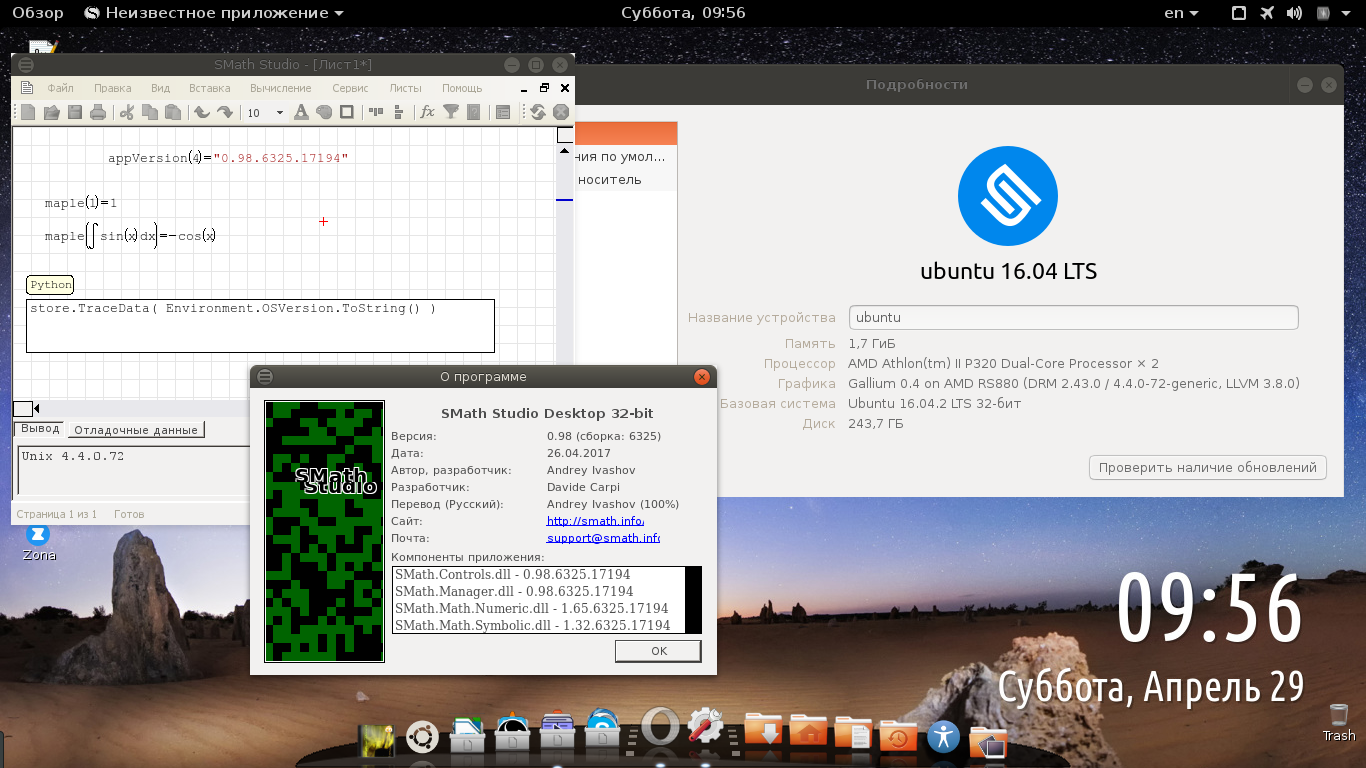
smathstudio_0.98.6325_all.zip (951.87 KiB) downloaded 342 time(s).
maple() restored but works too slow on mine machine. This is because the Wine is not properly configured I think.
Russia ☭ forever, Viacheslav N. Mezentsev
2 users liked this post
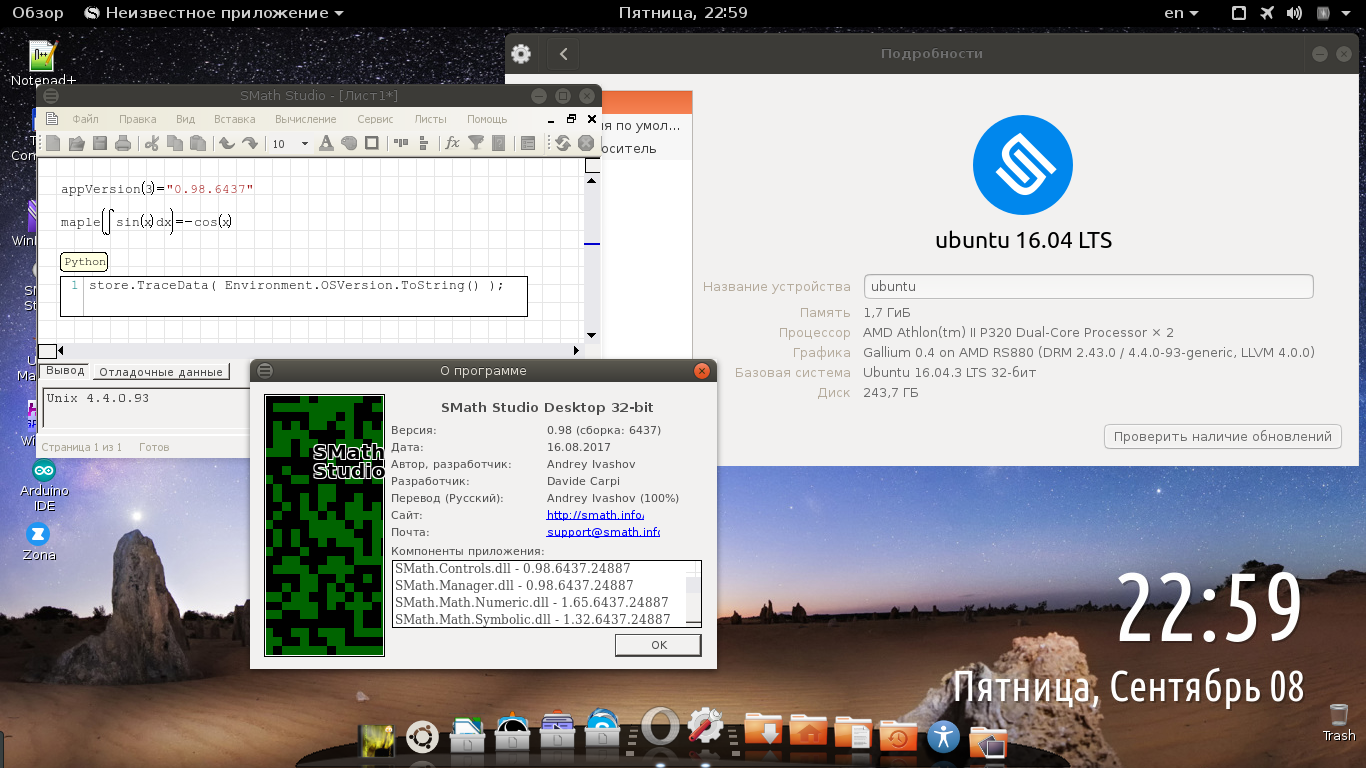
smathstudio_0.98.6437_all.zip (960.84 KiB) downloaded 342 time(s).
Quotemaple() works too slow on mine machine. This is because the Wine is not properly configured I think.
Russia ☭ forever, Viacheslav N. Mezentsev
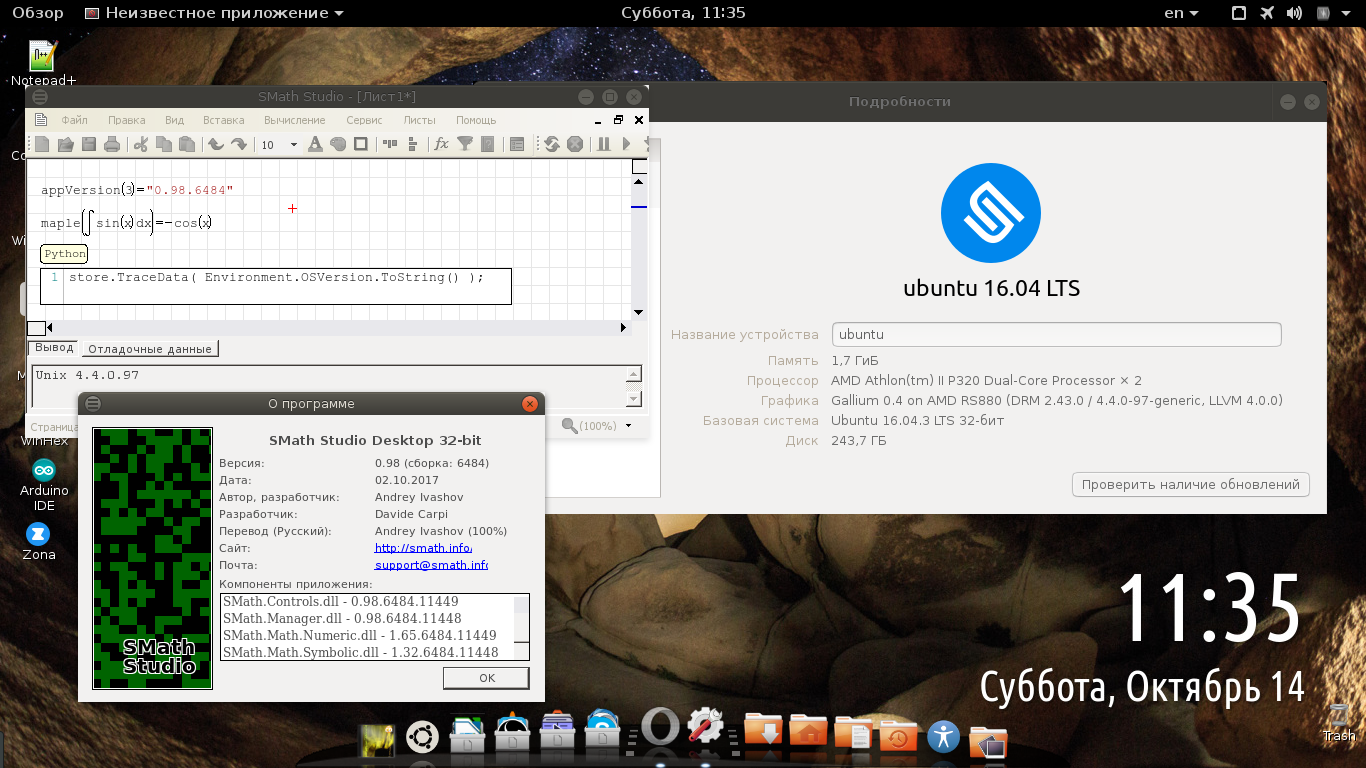
Russia ☭ forever, Viacheslav N. Mezentsev
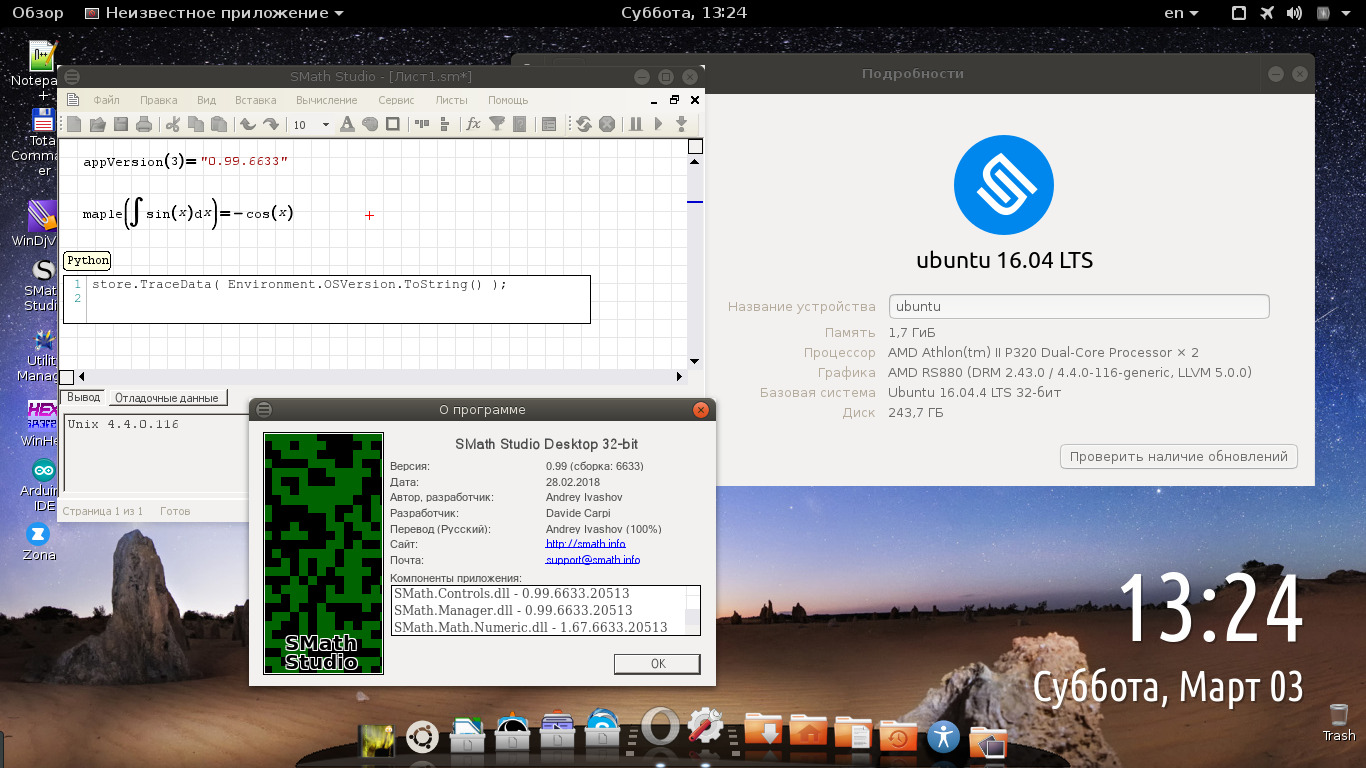
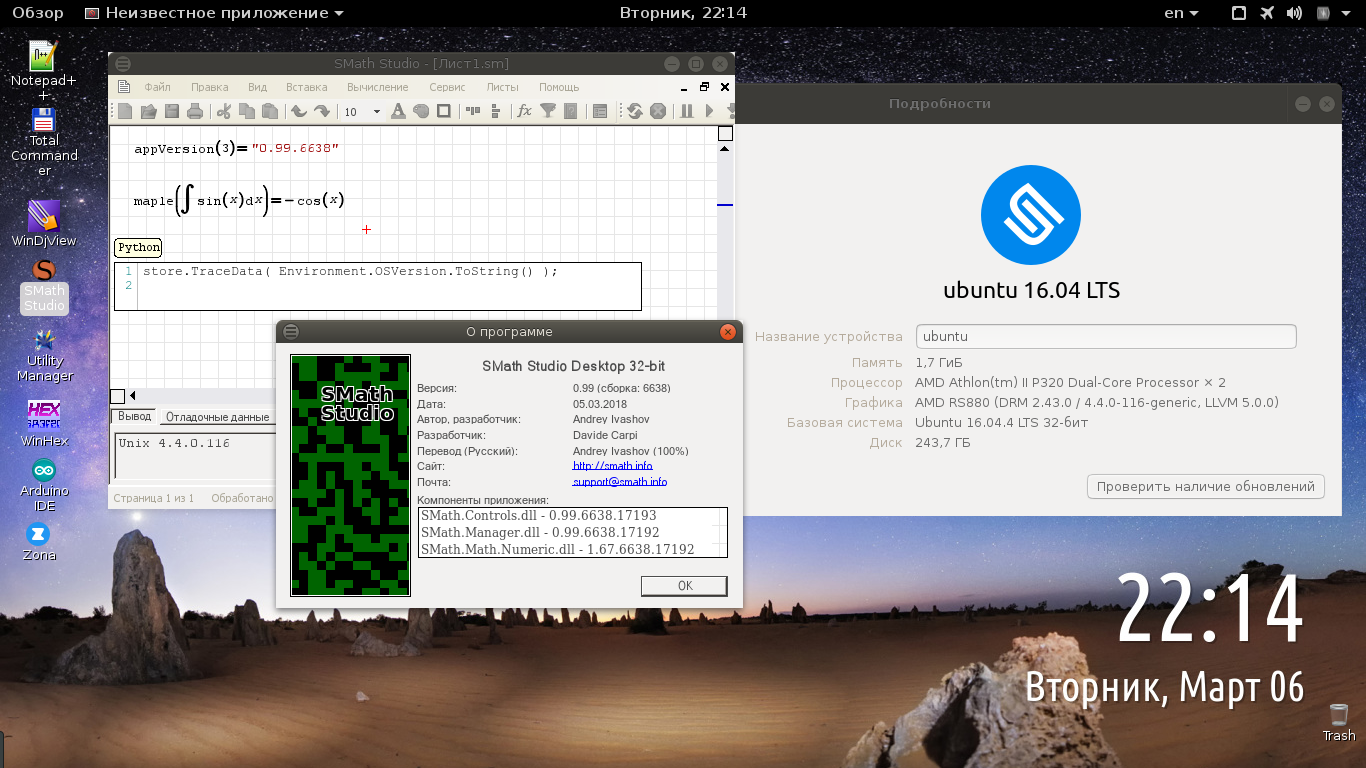
Russia ☭ forever, Viacheslav N. Mezentsev
2 users liked this post
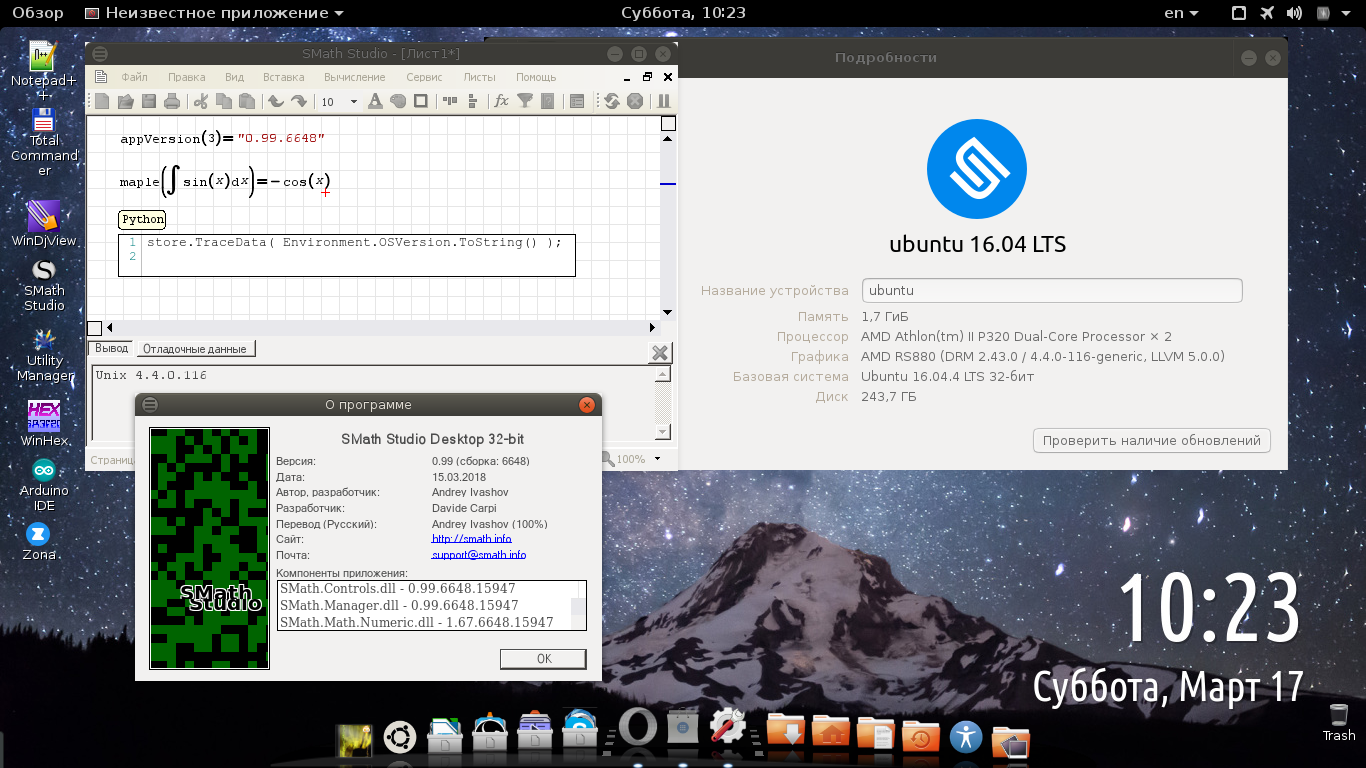
Russia ☭ forever, Viacheslav N. Mezentsev
Hello, I use Smath studio for education purpose. I previously had it on debian strech were it works very well but now I switch to ubuntu 18.04 and I install it with the deb package.
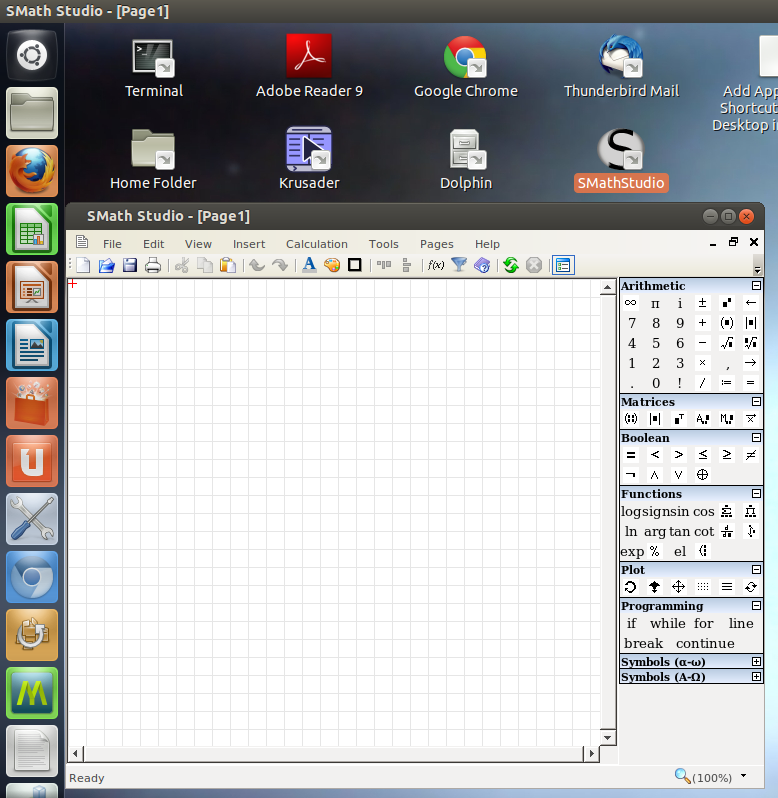
The issue is I cannot see all the symbols in the toolbar. It's the symbol wich is Black over white in omorr screenshot.
Sombody have an idea? a dependencie missing?
The issue is I cannot see all the symbols in the toolbar. It's the symbol wich is Black over white in omorr screenshot.
Sombody have an idea? a dependencie missing?
1 Pages (18 items)
- New Posts
- No New Posts