
Beta: SMath Studio 0.99.7666 (27 December 2020) - Messaggi

SMath Studio
Tiny, but powerful mathematical program with WYSIWYG editor and complete units of measurements support.
Offre numerose funzionalità di calcolo e un'interfaccia utente ricca, tradotta in circa 40 lingue diverse. L'applicazione include inoltre un prontuario matematico integrato.
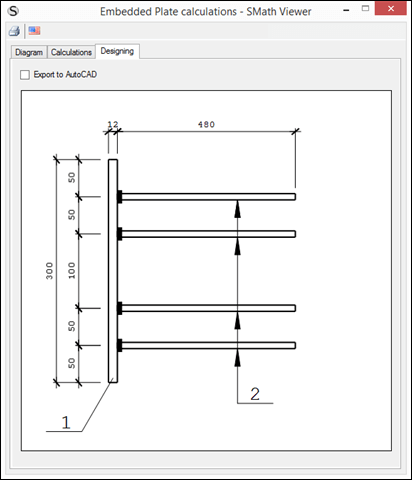
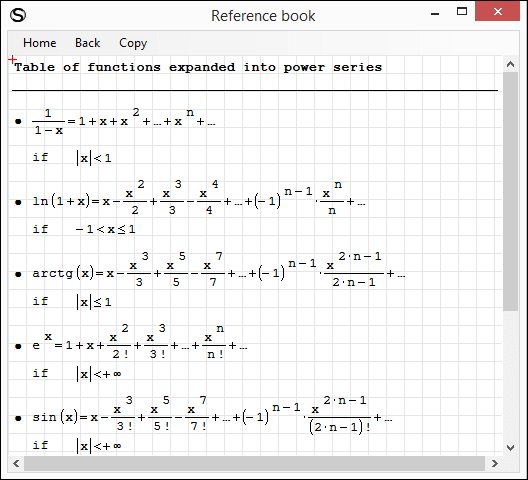
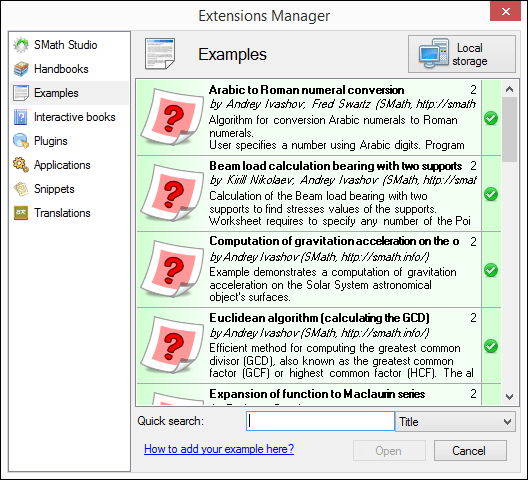
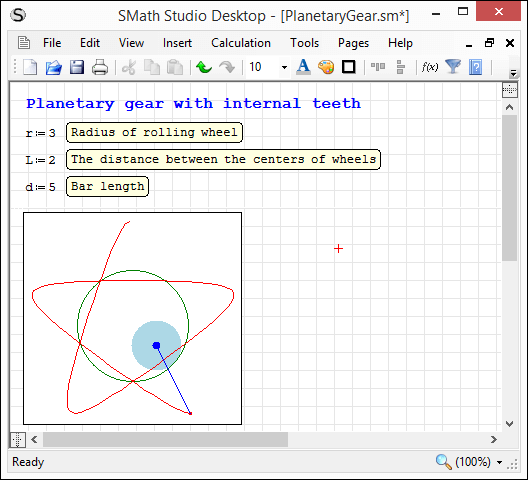
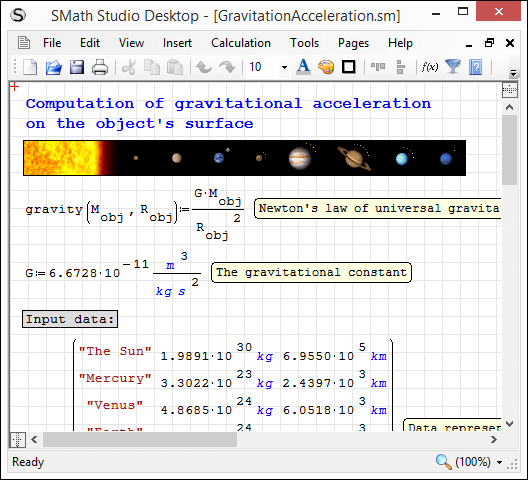
L'applicazione può essere facilmente estesa in base alle proprie esigenze. Lo strumento integrato "Gestione estensioni" consente di accedere a centinaia di risorse, sia ufficiali che di terze parti, tra cui: esempi d'uso, plug-in, applicazioni basate su SMath Viewer, frammenti di codice, traduzioni dell'interfaccia, libri interattivi, manuali e tutorial.
Download
SMathStudioDesktop.0_99_7666.Mono.tar.gz (1,43 MiB) scaricato 3588 volta(e).
SMathStudioDesktop.0_99_7666.Setup.msi (2,31 MiB) scaricato 6524 volta(e).

I think the math detection is a bit over-greedy. As soon as I type a hyphen, the preceeding word is taken as a variable name and a math region is embedded. Thus the only way to add a hyphen between two words is to embrace it with spaces and delete the spaces afterwards. I'd recommend to do the conversion when Enter is pressed. A second enter then would leave the embedded math region.
I'm thinking about ways to make this detection more smart, more predictable to user and be easily cancelable (meaning it should be possible to cancel/undo it when it is done incorrectly or user wants to leave text as is). I have some thoughts about it, so yeah, this will be significantly improved.
Regards.
paste.sm (3,79 KiB) scaricato 2639 volta(e).
Best regards.
Alvaro.
WroteBTW I can't paste in a math region with description, this is: if x:=line(something) I can't paste inside the x body if it have description.
Hello Alvaro.
Thank you! Will fix it asap.
Thanks,
Jason
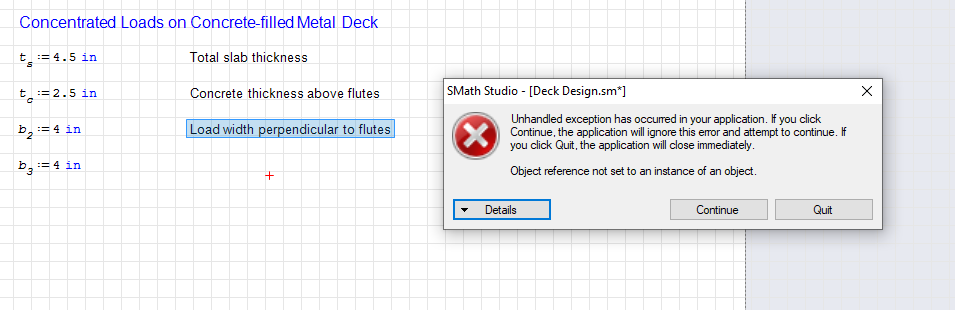
WroteI'm getting an unhandled exception error when copying text regions by highlighting an existing text region and using the Control key + mouse to copy it. It does continue without crashing, and I can apparently copy by highlighting and using Ctrl-C and Ctrl-V, or by using the buttons on the menu bar. So far it only seems to be the Ctrl + mouse method of copying that used to work and doesn't in this build. Formulas still can be copied and pasted that way without error.
The reason of this error is the same as it is in the issue [USERLINK]Razonar[/USERLINK] mentioned above. Fixed now.
Best regards.
- Nuovi post
- Nessun nuovo post