
RC: SMath Studio 0.98.6604 (30 January 2018) - Messaggi

SMath Studio
Tiny, but powerful mathematical program with WYSIWYG editor and complete units of measurements support.
Offre numerose funzionalità di calcolo e un'interfaccia utente ricca, tradotta in circa 40 lingue diverse. L'applicazione include inoltre un prontuario matematico integrato.
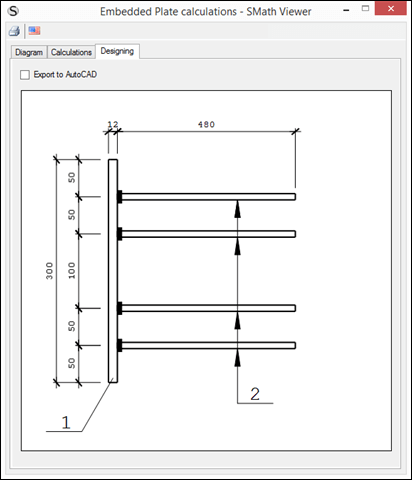
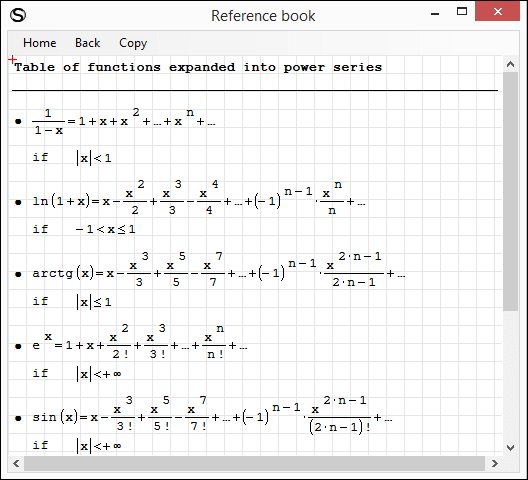
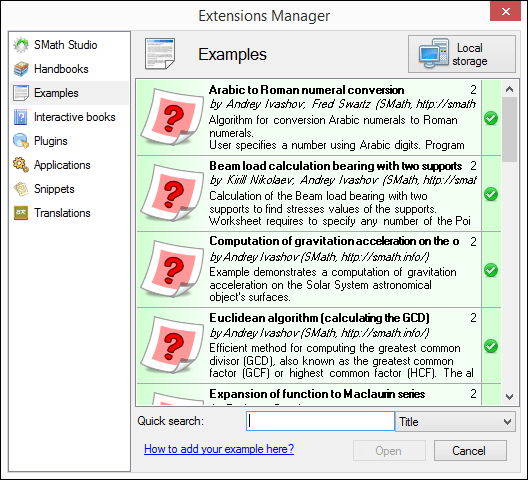
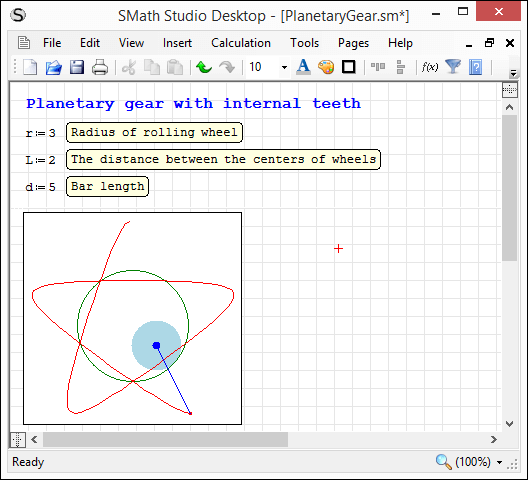
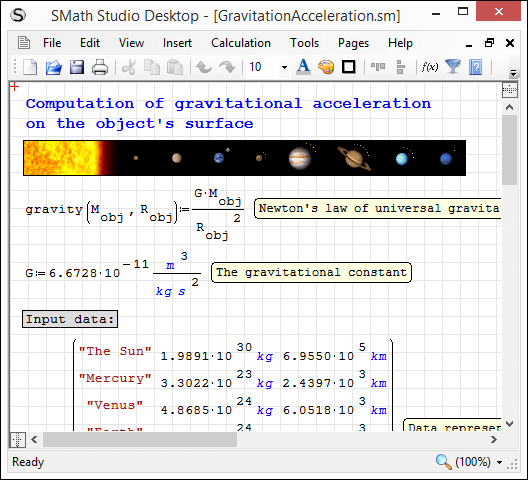
L'applicazione può essere facilmente estesa in base alle proprie esigenze. Lo strumento integrato "Gestione estensioni" consente di accedere a centinaia di risorse, sia ufficiali che di terze parti, tra cui: esempi d'uso, plug-in, applicazioni basate su SMath Viewer, frammenti di codice, traduzioni dell'interfaccia, libri interattivi, manuali e tutorial.
Download
SMathStudioDesktop.0_98_6604.Mono.tar.gz (1,25 MiB) scaricato 2484 volta(e).
SMathStudioDesktop.0_98_6604.Setup.msi (2,11 MiB) scaricato 4655 volta(e).
This release is prepared to demonstrate and test something new, which will be used by default soon.
Press Ctrl+Alt+L to activate.
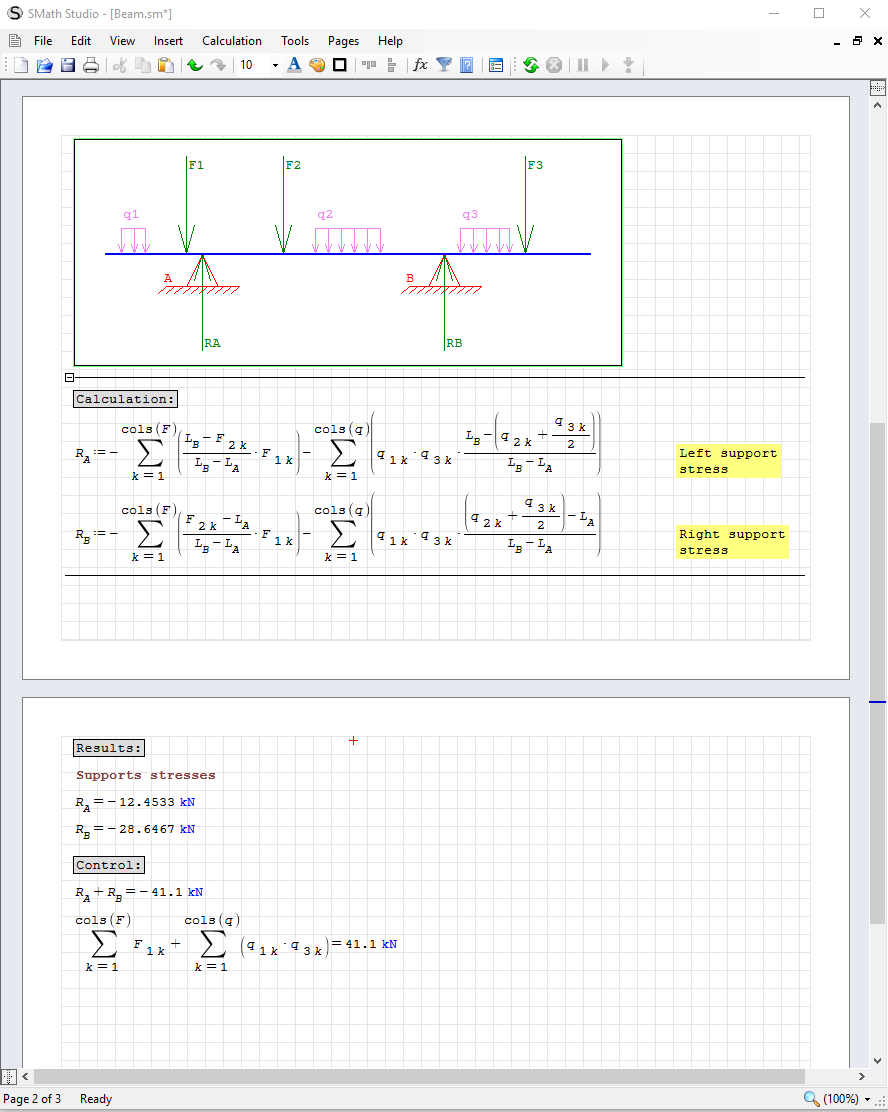
This functionality is not completed yet (80% of work is done I would say), but already usable. For me, after the first minutes of work with pages view I absolutely don't want to work in legacy document view anymore. There are some observations related to zooming and printing using new visualization mode but I think these issues are minor.
Please let me know you any inconsistency found. Thanks in advance!
Best regards!

Wrote code outside, than copy-pasted it into the function.
Than it looks like that (look at Range2 inside for operator).
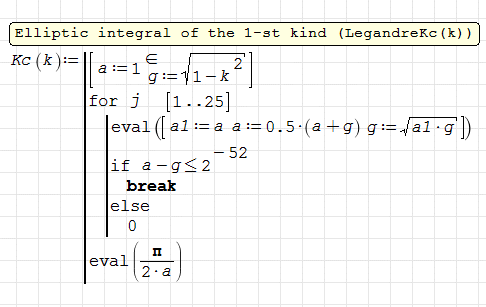
WroteDiscovered strange look of the for operator inside the function
Thank you! Fixed.

Wrote
This release is prepared to demonstrate and test something new, which will be used by default soon.
Press Ctrl+Alt+L to activate.
Best regards!
I acknowledge, that the new viewing style is helpful for making documents for printout.
If using small notebook screens with limited height it might be better to keep the classical style without page margin preview. This preview goes at the cost of screen space for math regions. Therefore I'd vote for having an option to select the default canvas view.
I rarely print out SMath documents but rather exclusively work on screen.

WroteWrote
This release is prepared to demonstrate and test something new, which will be used by default soon.
Press Ctrl+Alt+L to activate.
Best regards!
I acknowledge, that the new viewing style is helpful for making documents for printout.
If using small notebook screens with limited height it might be better to keep the classical style without page margin preview. This preview goes at the cost of screen space for math regions. Therefore I'd vote for having an option to select the default canvas view.
I rarely print out SMath documents but rather exclusively work on screen.
I agree with Martin of having an option to select the default view.
Regards,
Radovan
Of course switcher will be available on the most convenient place. Like this:
- Nuovi post
- Nessun nuovo post