
Beta: SMath Studio 0.99.7684 (14 January 2021) - Messaggi

SMath Studio
Tiny, but powerful mathematical program with WYSIWYG editor and complete units of measurements support.
Offre numerose funzionalità di calcolo e un'interfaccia utente ricca, tradotta in circa 40 lingue diverse. L'applicazione include inoltre un prontuario matematico integrato.
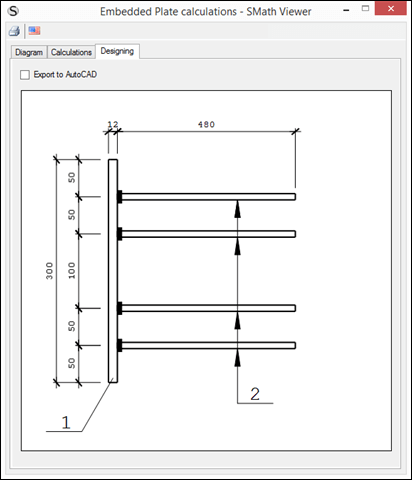
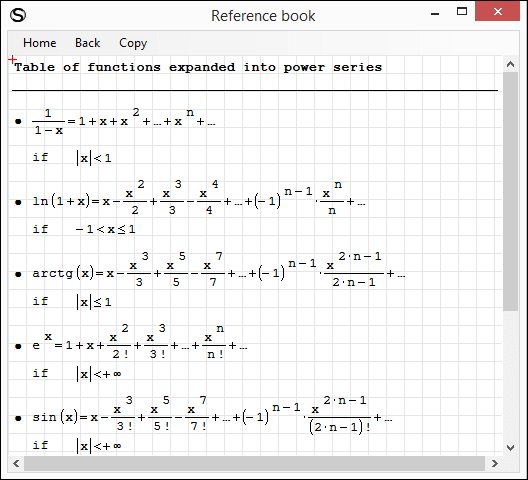
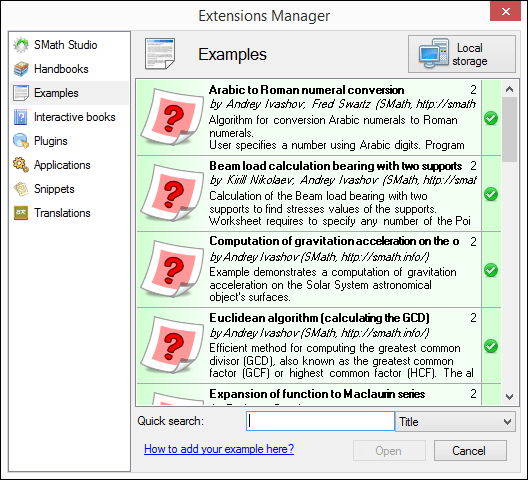
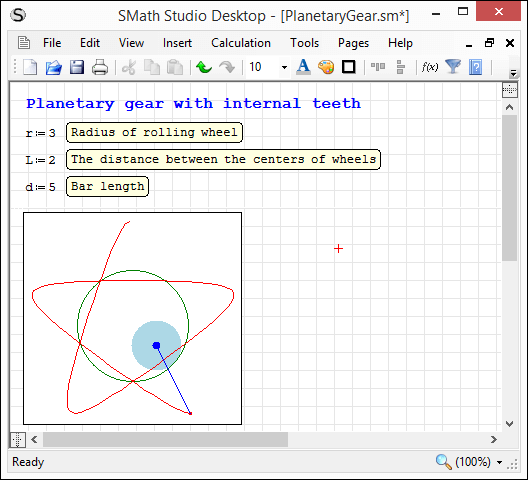
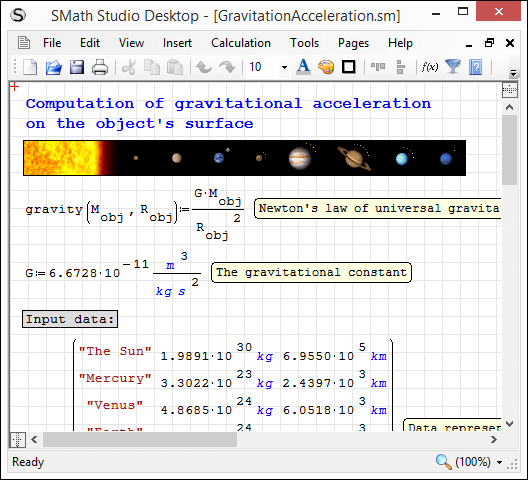
L'applicazione può essere facilmente estesa in base alle proprie esigenze. Lo strumento integrato "Gestione estensioni" consente di accedere a centinaia di risorse, sia ufficiali che di terze parti, tra cui: esempi d'uso, plug-in, applicazioni basate su SMath Viewer, frammenti di codice, traduzioni dell'interfaccia, libri interattivi, manuali e tutorial.
Download
SMathStudioDesktop.0_99_7684.Mono.tar.gz (1,4 MiB) scaricato 2701 volta(e).
SMathStudioDesktop.0_99_7684.Setup.msi (2,28 MiB) scaricato 5447 volta(e).
Details are available here: https://en.smath.com/forum/yaf_postsm67258_Document-mode.aspx

With all of the text formatting options, any plans on
- Setting up "Styles" (e.g. Header 1, 2) This would tie into a table of context in the future
 or
- making this the default setting (e.g. integrating writer region as part of the install). You could keep it as a plugin to update it separately
I believe this is how IRFanview does it ... they ship with a few plugins as part of the install that can be updated independently.
WroteSetting up "Styles" (e.g. Header 1, 2) This would tie into a table of context in the future
Yes, I have plans to make it possible to specify a document structure to generate TOC. Just need to finish current work to provide all the basic operations.
Wrotemaking this the default setting (e.g. integrating writer region as part of the install). You could keep it as a plugin to update it separately
What you see is not a Writer Region, this is updated Text Region, so it is already a part of the installation package. As I know Davide already working to update Writer Region, so it will be possible to choose what editor to use for the Document mode. UI to choose the editor is already available. Text Region allows me to test all the functionality fast and easy, but Writer Region I think will have more capacities.
Regarding default setting... I think it will be two different programs (in a single package): SMath Studio for standard worksheets and SMath Writer (?) for these new Documents. UI will be different (Ribbon, WPF), another files format, etc. It will be easier to make a choice for user because of different modes will be distinguished enough.
At least these is a plan.
Best regards.

Wrote
Currently no, but I'm working on it.
You are using beta version of the program which has many different issues. Some functionality is missing and some - added for testing purposes only.
Beta versions created for those who wants to see what's new will be available in the next stable version.
Answering to your question:
- it will be possible to disable auto replacement feature;
- it will be easy to cancel replacement if it is not what user wants;
- auto replacement will become smarter from version to version.
So if possible I would recommend you to use stable versions - it will minimize situations when something not expected happens.
Best regards.
I am aware of it being a beta version, but I had apparently saved my latest copy of my calc in a beta version since November's stable release (oops), so I thought I would go ahead and install this one and see how things had come along since this was several steps up on build number. I do like the text-editing functionality since I used to have to try to arrange my text with big spaces and then overlap text and math regions to have an "inline formula", but the formatting always looked a little off, so this will be a useful feature. And I try to let developers know about anything I find in a beta release that hampers how I use the program in case that's an issue for other users. I've talked to other developers that introduce a new feature in beta, and it either never gets seen by the appropriate users who would be affected negatively, or they just don't give any feedback about it, and then the developer gets all kinds of negative feedback when the new feature makes it into a production release and all the regular users have their workflow changed unexpectedly. So I try to comment where I can. Hopefully it didn't come across as complaining; my comment was more to let you know in case the things I tend to write in text regions are not like what you were thinking of when programming the responsiveness to creating formulas "on the fly" in there. 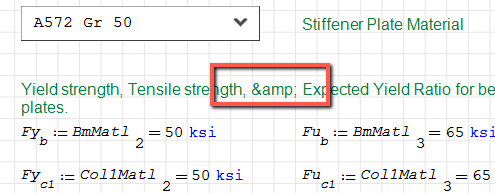
Thanks!
Jason
WroteIt also seems to be replacing symbols with codes like below, where it replaced "&" with "&".
Jason, thank you very much! Will fix it asap.
- Nuovi post
- Nessun nuovo post