
1 páginas (3 elementos)
"Table Region" Plug-in installation failed - Mensajes

Hello Gurus:
I used David Capri's Table Region Plug in for my calculation. It worked fine initially but all in a sudden a white block covered the table area, and the program froze. After restart, this happened.
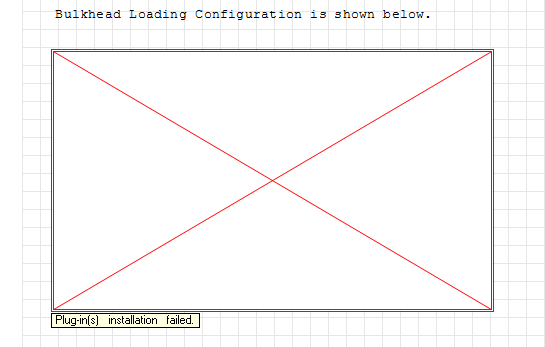
This red cross took all of the work after the table region away.
Thats a lot of work!
Please help!
Thank you!
Chris
I used David Capri's Table Region Plug in for my calculation. It worked fine initially but all in a sudden a white block covered the table area, and the program froze. After restart, this happened.
This red cross took all of the work after the table region away.
Thats a lot of work!
Please help!
Thank you!
Chris
Hi Chris
Could you attach your Worksheet?
Best Regards
Carlos
Could you attach your Worksheet?
Best Regards
Carlos

Red cross region appears when a plugin isn't available in your system or can't be loaded. Be careful because if you save a worksheet that contains such regions, anything related to the missing region(s) will be lost; therefore (if you are in doubt) do any further test about your issue using a freshly downloaded copy of the original file,
What SMath Studio version are you using and what Table Region version is causing the troubles? How did you installed it?
You can find the program version under: Help > About SMath Studio or altenatively using the function appVersion(3) anywhere in a worksheet.
The Writer region version should be listed under: Tools > Plugins or probably even in a popup window when you launch the program. In both cases a short error message should be available in the red area.
edit nevermind, I've seen now the screenshots here, seems the right plugin for your SS version, I have to investigate it
What SMath Studio version are you using and what Table Region version is causing the troubles? How did you installed it?
You can find the program version under: Help > About SMath Studio or altenatively using the function appVersion(3) anywhere in a worksheet.
The Writer region version should be listed under: Tools > Plugins or probably even in a popup window when you launch the program. In both cases a short error message should be available in the red area.
edit nevermind, I've seen now the screenshots here, seems the right plugin for your SS version, I have to investigate it
If you like my plugins please consider to support the program buying a license; for personal contributions to me: paypal.me/dcprojects
1 páginas (3 elementos)
- Nuevos mensajes
- Sin mensajes nuevos