
Background image for the graph - Mensajes

WroteHello. Is it possible to load a picture into the work sheet as a background?
I did not manage to find the direct answer. Thanks.
1. you must have the image [typical *.BMP]
in either: your Smath file or in C:\
if you don't already have an Smath file ... create one in C:\
2. from the Smath top menu: Insert, Background
... all pages ... from file [browse] ... stretch
Image Cloud Background.sm (206,42 KiB) descargado 1235 vez(es).
Circle Aperture_OD Gray 245.sm (30,97 KiB) descargado 1263 vez(es).
What you CAN NO NOT DO ... turn ON/OFF background
WroteThanks, but I meant inserting a picture inside the graph (plot) region, under the axis.
Much easier: paste the picture outside the graph,
brush over the picture to select, arrow key to slide/adjust-in.
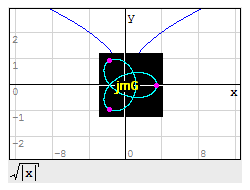
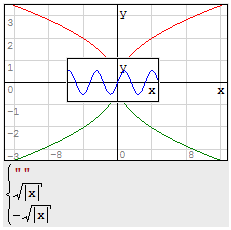
I'm having trouble controlling which object is in front of the other, the XYPLot Region or the image. It seems a random behavior to me. Am I missing something?

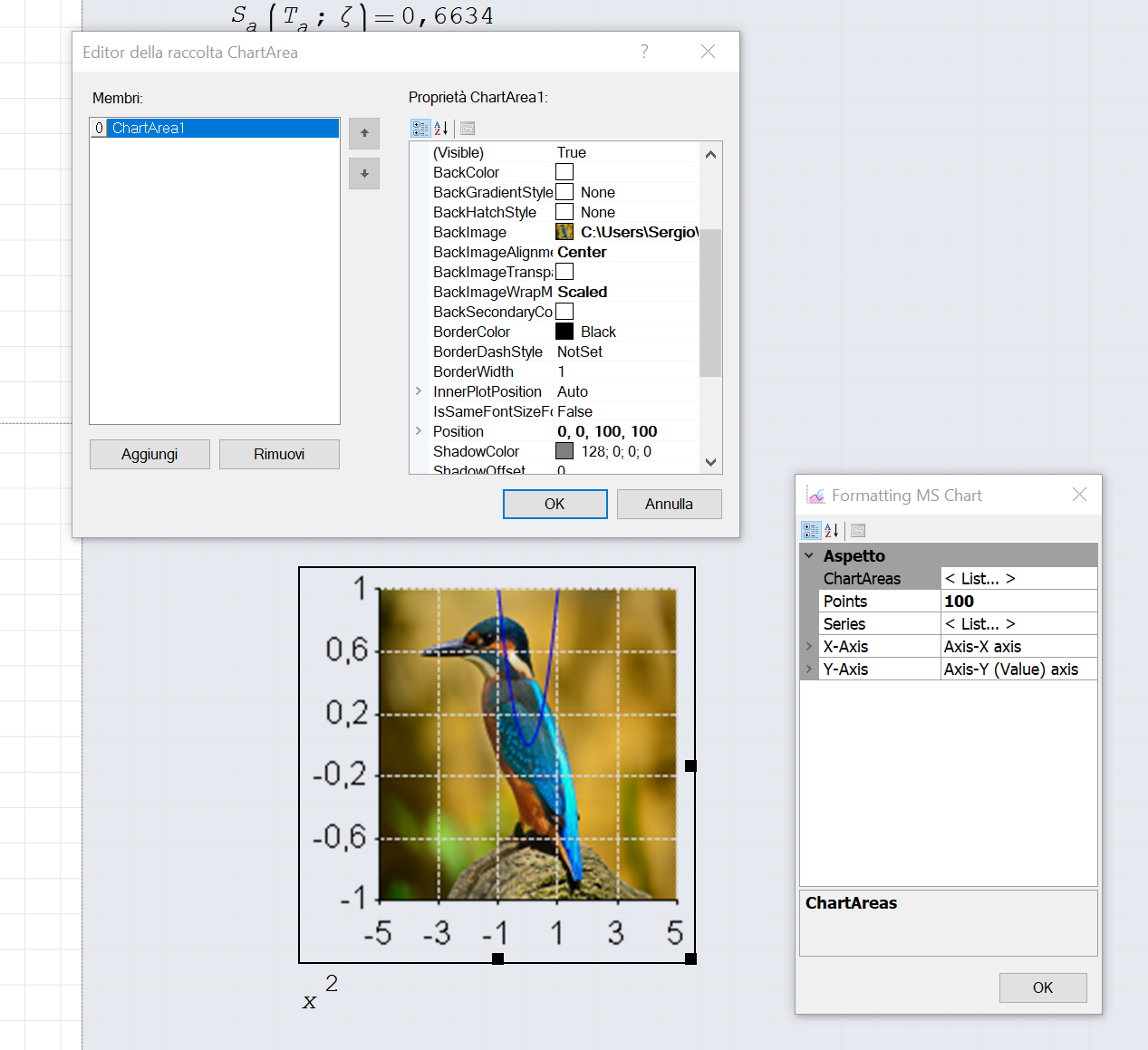
sergio
WroteHi, Jean!
I'm having trouble controlling which object is in front of the other,
the XY PLot Region or the image. It seems a random behavior to me.
Am I missing something?
Image is always on top, probably native Win.
Click anywhere-in ... just the graph.
Cheers ... Jean.
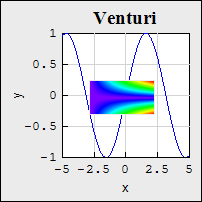
Thanks, Jean. By moving the image in and out, it goes behind the graph sometimes, but suddenly snaps to the front. Couldn't identify a clear behavior. Maybe a "bring to the back/front" functionality would be a useful addition to the program.

WroteBy moving the image in and out, it goes behind the graph sometimes, but suddenly snaps to the front. Couldn't identify a clear behavior.
Currently the top-left corner of each region drives the position. The regions behind are those closer to the top (top to bottom) and left margins (left to right).
WroteMaybe a "bring to the back/front" functionality would be a useful addition to the program.
From recollection, it was on the wish list SS 5346.
Thing in terms of publishing ... no decoration, gyzmas ...etc.
The Mathcad 11 bring to front send to back had no adept.
A good presentation is background colors.
Cheers ... Jean.
ODE rkfixed VALERY Yellow Corn.sm (78,87 KiB) descargado 1270 vez(es).
WroteCurrently the top-left corner of each region drives the position. The regions behind are those closer to the top (top to bottom) and left margins (left to right).
Could "Bring to front/Send to back" options implemented for all regions??
But on a second thought, it would require tons of code change.
Regards
WroteThanks, Jean.
IMHO, for publishing, a document must be as clean/minimalist.
Even a graph with personal logo/photo is too much.
If your document is unique/pure creation in the planet,
OK personal logo somewhere in the document.
I have some of that style [Pt 100, T,J]
What are you looking for, really ?
Cheers ... Jean.
WroteHello. Is it possible to load a picture into the graph as a background? I did not manage to find the direct answer. Thanks.
Hi. Another way, in addition to the one proposed by Pompelmo:
https://en.smath.com/forum/yaf_postst20347_Embedding-images-into-a-plot.aspx
Best regards.
Alvaro.
- Nuevos mensajes
- Sin mensajes nuevos